
0corexpsx
I love modding games.
I make patches that get old PC games running on Windows 10 and 11, and a companion app for War Thunder. Everything here is free to download.

Repositories
- 8th-Wonder-of-the-World-Modern-PC-Patch- Unofficial modern PC patch for Cultures – 8th Wonder of the World: fixes DirectDraw crashes on Windows 10/11, adds borderless fullscreen, UI scaling for 1440p/4K, AMD FSR/xBRZ upscaling and a settings launcher.
- Codename-Panzers---Cold-War-Win-10-11-Patch-CPCW-Fix-1.3.0 Patch for Codename Panzers - Cold War Windows 10-11 ( Crash Fix + Better FPS ) CPCW Fix 1.3.0
- War-Thunder-Intelligent-UI Initial release — alpha 0.1
Releases and mods
Each line is one project. Download the newest version at the top of its line.
0corexpsx.it
This page. New releases appear here by themselves.
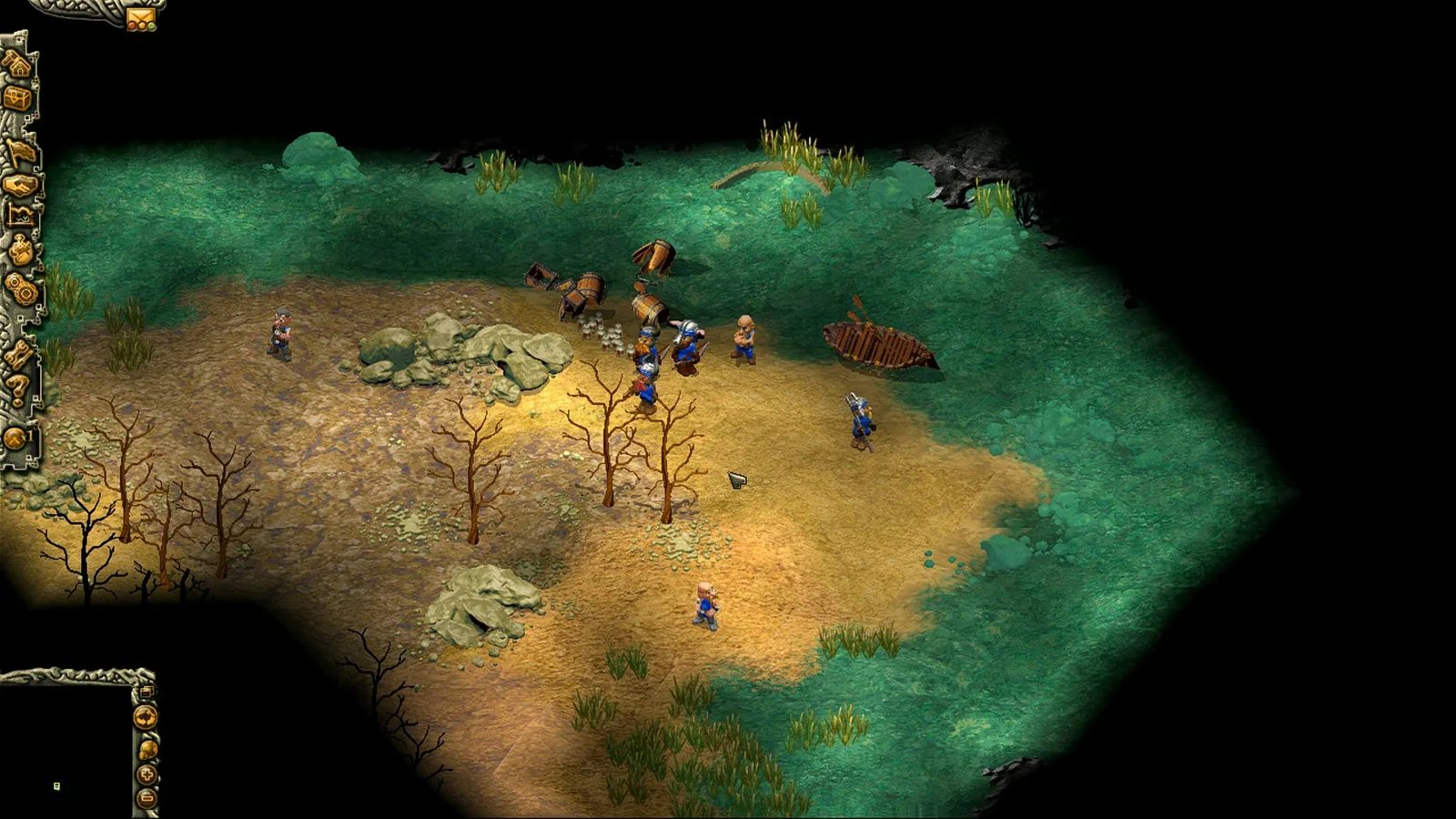
Cultures – 8th Wonder of the World: Modern Patch
An unofficial patch that gets Cultures – 8th Wonder of the World running properly on Windows 10 and 11, with a settings app to go with it.
- Replaces the old DirectDraw 7 renderer with cnc-ddraw: no more start-up errors, black screens or alt-tab crashes
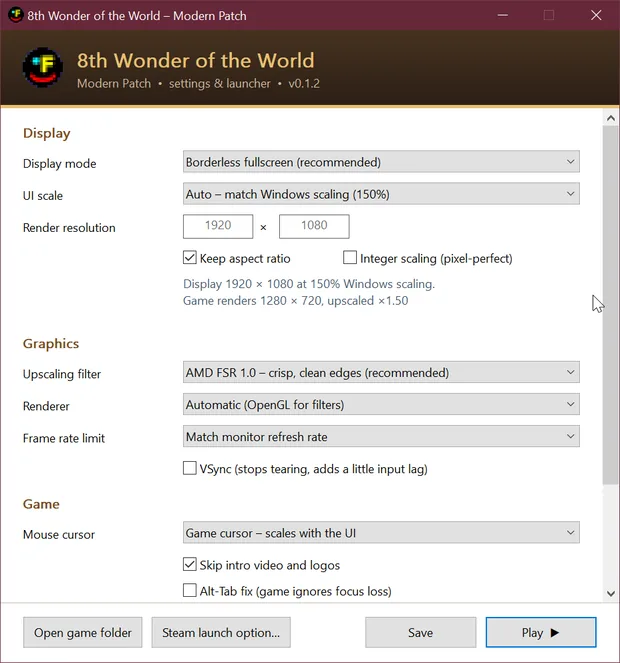
- Borderless, windowed or fullscreen, with VSync and a frame cap
- UI scaling for 1440p and 4K; Auto follows your Windows scaling
- Upscaling filters: AMD FSR 1.0, xBRZ, xBR, Lanczos, Bicubic, CRT, Scanlines and more
- Can skip the intro video and logos
- Game.exe and the game data stay untouched
How to install. Extract the zip into the game folder, next to Game.exe. Run ModernPatch.exe and press Play. Tested with the Steam version on Windows 10.
DownloadCultures8thWonder-ModernPatch-v0.1.2.zip, 648 KBRelease notesSource on GitHub
Codename: Panzers – Cold War: CPCW Fix
Stops the Steam version of Codename: Panzers – Cold War crashing on Windows 10 and 11, and makes it run smoother. CPCW.exe and your game files are not modified.
- No more crashes in menus or mid-game: lookups to the dead GameSpy and updater servers now fail cleanly, as if the PC were offline. LAN and direct-IP play keep working
- Borderless window instead of exclusive fullscreen: no alt-tab crashes or flickering loading screens
- A sharp picture and a correctly placed mouse at 125% or 150% Windows scaling
- The installer checks for the Visual C++ 2005/2008 runtimes and DirectX 9 that Steam leaves out
- Fixes out-of-memory crashes on CPUs with many threads, where thread stacks used up the game’s 2 GB
- Optional DXVK: Direct3D 9 through Vulkan, smoother and about 300 MB lighter
- Crash reports, minidumps and a performance log if something still goes wrong
How to install. Close the game, double-click Install.bat and press Enter for the recommended answers, then start the game from Steam. Uninstall.bat puts everything back. The full source is in the source folder.
DownloadCPCW_Win10-11_Fix.rar, 63 KBRelease notesSource on GitHub
War Thunder Intelligent UI
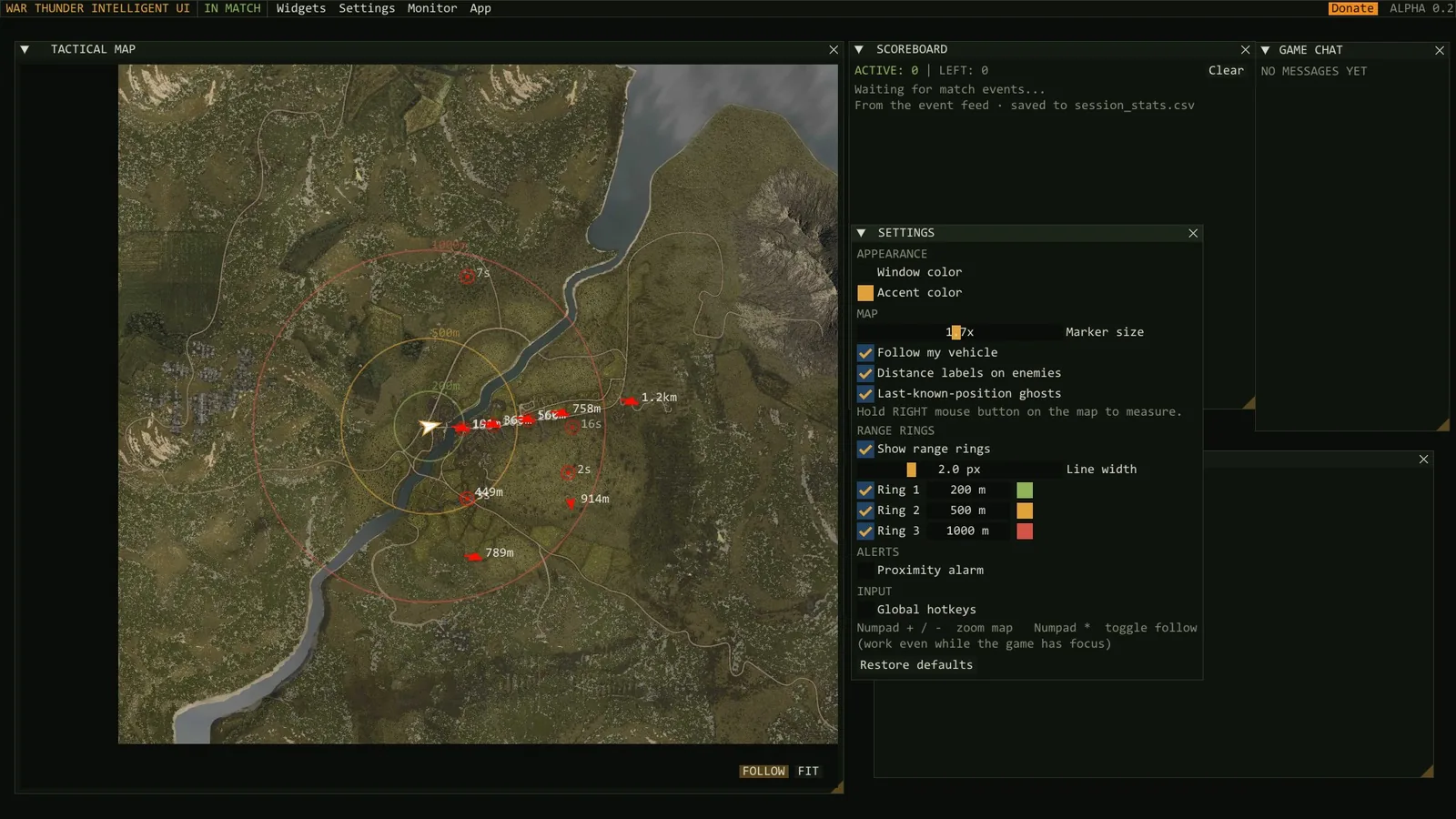
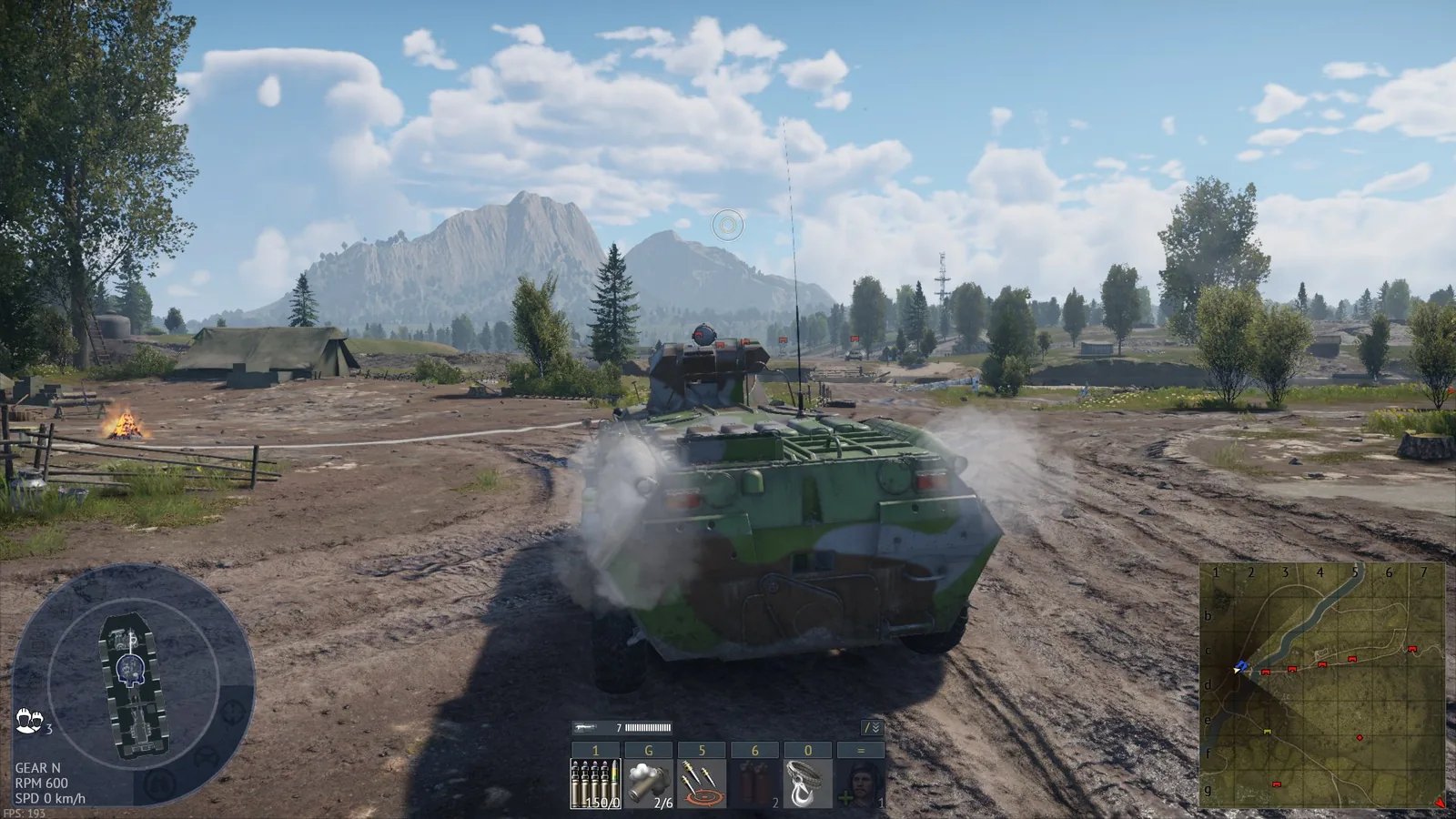
A companion app for War Thunder that runs next to the game, ideally on a second screen: a live tactical map, match stats and your instruments, each in its own window.
- Tactical map with zoom, pan and a follow mode locked on your vehicle
- Vehicle icons like the in-game minimap, plus fading ghost markers where enemies were last seen
- Real distances to spotted enemies, a right-click ruler and three range rings you set yourself
- Proximity alarm: the border flashes and a tone plays when an enemy is spotted inside your range
- Live scoreboard, damage feed, chat and objectives; every match is saved to session_stats.csv
- Speed, altitude, heading, climb rate, fuel, engine temperatures and G-load
- Every panel can be dragged and resized; hotkeys work while the game has focus
How to install. Put the exe anywhere, start War Thunder and you are ready.
DownloadWarThunder-Intelligent-UI.exe, 823 KBRelease notesSource on GitHub
Initial commit
Joined GitHub.
ko_fi: 0corexpsxBuy me a coffee
Everything here is free. If one of these patches brought a game back for you, a coffee on Ko-fi helps me keep making them.